Text to Image
Bring your ideas to life, instantly.
Turn natural language or reference images into visual concepts that stay close to your creative intent.
- Text and image input
- Rapid visual variations
- Multiple creative models

Create detailed, editable models from a thought, a prompt, or a single image—then move smoothly from first concept to finished object.
A creative workflow trusted by teams and independent makers


Better proportions, contours, depth, and surface detail help your model feel natural up close—not just impressive from a distance.
Explore different model types
Move from inspiration to a usable asset without stitching together a dozen separate tools.
Turn natural language or reference images into visual concepts that stay close to your creative intent.
Reconstruct form, structure, and hidden detail to bring a reference image into editable, printable 3D.
Separate complex models into practical parts and create connection structures for a smoother physical build.
Detect color regions and boundaries automatically, then prepare the model for a clean multi-color workflow.
Start with a focused creative template or transform one image into a personalized object. No specialist workflow required.
Explore templates


Whether you own a printer or work with a production partner, hi3d helps you prepare your model for the real world.
Make it realCheck your geometry, choose the format you need, and continue with the slicer and printer workflow you already know.
Find a useful orientation and placement for efficient printing.
Use popular formats including STL, OBJ, 3MF, GLB, and USDZ.
Continue in the production tool that fits your workflow.
Choose a model, material, and size, then let a production partner handle printing and delivery.
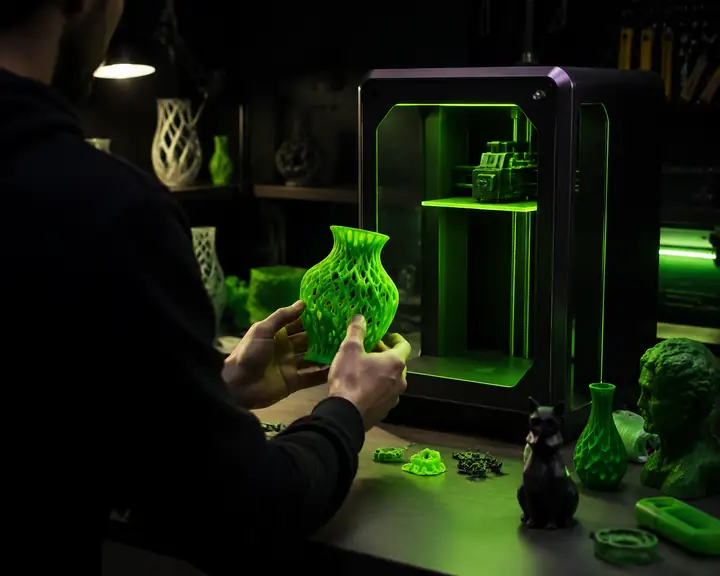
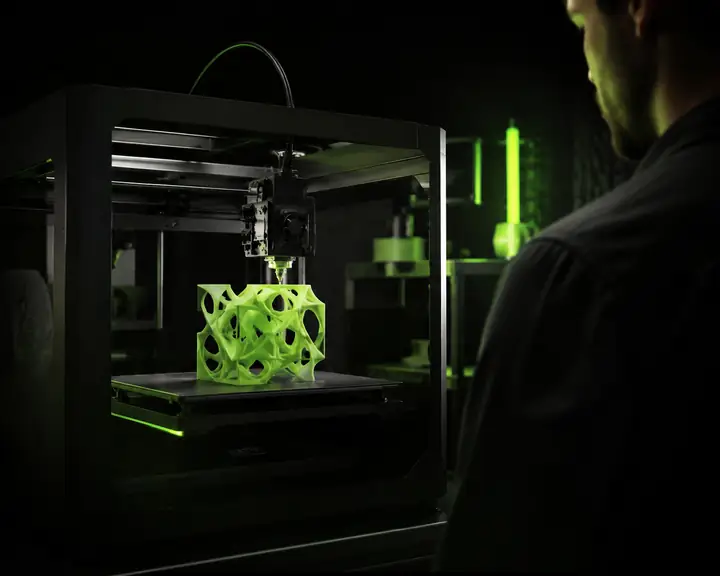
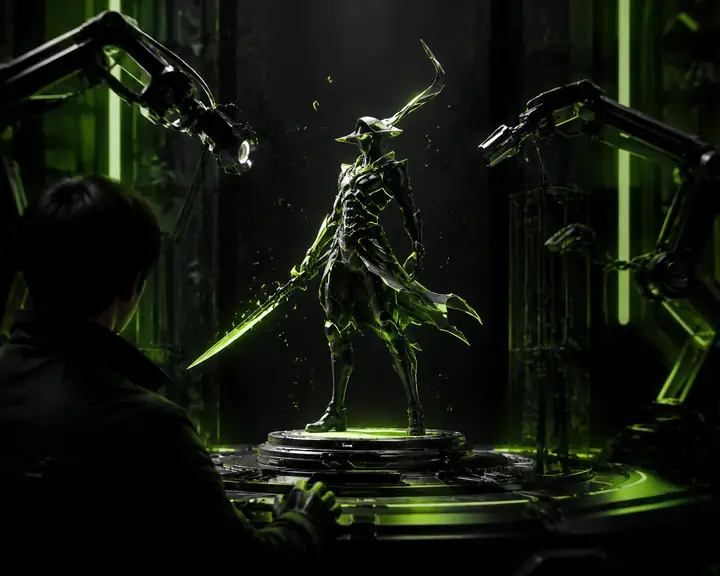
Discover models from the community and find a new direction for your next creation.
Explore more work


From characters and games to products and personal projects, ideas of every kind can become a useful 3D starting point.
 Characters and collectibles
I could preserve the little details that make a familiar face feel personal, then turn the result into something tangible.
Explore the workflow E-commerce and jewelry
A clean, structured mesh gives me a much faster starting point for functional design and physical prototypes.
Explore the workflow Games and entertainment
It helps me move from a rough idea to a reliable base model while keeping the creative decisions in my hands.
Explore the workflowEverything you need to begin creating with confidence.
Hi3dai is an all-in-one AI 3D creation workspace that turns text and images into detailed, editable models for digital projects, prototypes, and physical making.
No. Start with a short prompt or upload an image. The workspace handles the complex first pass, while optional controls let experienced makers refine the result.
Upload a clear image with the subject visible, start the model generation, then review and export the result. For objects with important side or rear details, provide additional views. Your finished model can continue into a 3D editor or a print preparation workflow.
Use them for figurines, collectibles, gifts, game characters, animation, AR and VR concepts, product prototypes, or further refinement in tools such as Blender.
Yes. You can start with the available free experience and explore selected creation tools before deciding whether Hi3dai fits your workflow.
If a task fails because of a service issue, the system records the failure and lets you try again according to the current workspace rules.
Your use rights depend on the terms attached to the experience you use. Always make sure you have permission to upload reference materials and that your final work respects copyright, trademark, and image rights.
Keep your source files and generated models within your workspace unless you choose to share them. Review the current privacy terms for details about storage, processing, retention, and deletion.
Email [email protected] for help with your workspace, tasks, or technical questions. You can also connect with other makers through the Hi3dai community.


